A working image-ad laboratory
Turn the article into the ad.
Choose the visual precedent, inspect every word sent to the model, then spend only when the direction is right.
READY
Analyze the article. The selected reference decides whether this column becomes an image prompt or a ranked-question editor.
Image model specification
Generation prompt
EDITABLE
model input
Inspect article content sent with this prompt
Q/A · JS adunit specification
Ranked questions
SELECT 1–4The best four are assigned automatically. Change any position to control the live ad.
Single intent · JS adunit
Edit the adunit
LIVEThe layout remains fixed to the selected reference. Replace only its intent, product image, and click destination.
Text, rules and chip circles flip to white automatically on a dark colour. The search field stays white.
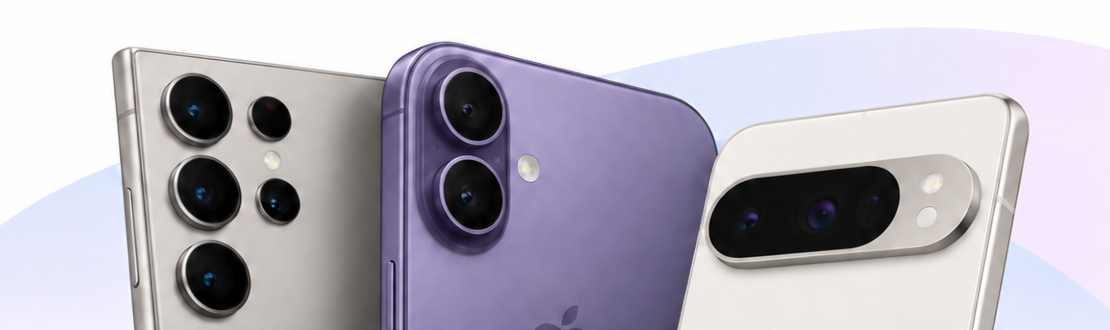
Every click opens the SearchIQ search page for the intent above.
Saved creative pool
D1 records · R2 imagesNo saved creatives yet. Generate and save one from the Create tab.